

What the portal shows
A Contents list lets the customer jump between sections.
Installation timeline
The tracker starts as soon as the customer signs. Until then it shows Installation not started.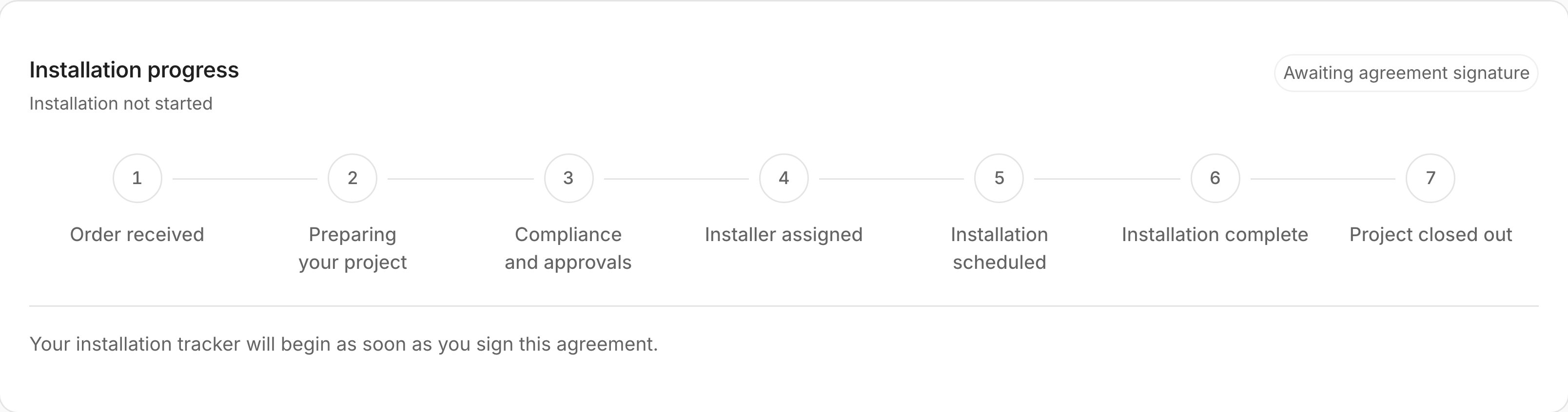
The installation tracker before the agreement is signed. Sample data.
- Order received
- Preparing your project
- Compliance and approvals
- Installer assigned
- Installation scheduled
- Installation complete
- Project closed out
Payments
Payments lists each payment for the installation with its amount, status and invoice. Statuses include Upcoming, Awaiting, Paid, Partly refunded and Refunded. If the customer pays by bank transfer, the portal shows Pay by bank transfer with your account name, BSB, account number, the amount and a payment reference. After they pay, it shows Deposit confirmation under review until your team confirms it.Share installation documents
Documents stay private until you share them.- Open the project in Projects & Jobs and go to its files.
- Under Compliance documents, select Review document.
- Open and check the document, customer, address and document type. Tick the box, then select Save review · Keep private. The document shows Reviewed · Private.
- Select Share with customer. Tick the box to confirm it’s right for this customer, then select Share with customer. The document now shows Shared with customer.