

Appearance in the workspace introduction
Appearance in the workspace introduction
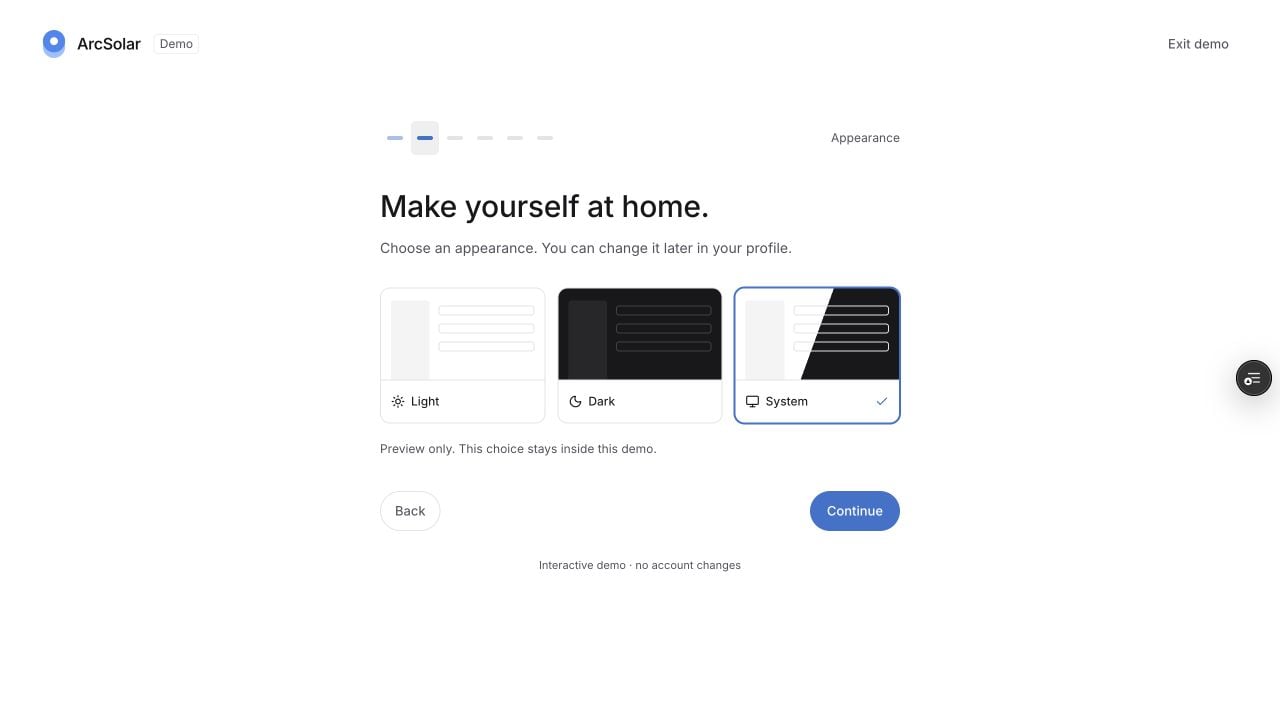
The short introduction is separate from the operational setup checklist. Its Appearance step starts with System selected.
Set up the business
- Organisation setup: identity, timezone and subscription.
- Team access: correct roles, active accounts and phone allocations.
- Retailer Settings: pricing, services, finance and deposit rules.
- Branding and agreements: review the customer-facing identity and publish approved wording.
- Catalogue and prices: exact products, regions and current brand prices.
Connect the workflow
- Activate PayTo before calls and SMS.
- Finish Stripe setup before customer collections.
- Verify each required integration with one known record.
- Review follow-up messages and notification preferences.
- Agree who owns lead assignment, quote review, readiness, rebates and reconciliation.
Check one customer journey
Walk the team through a customer, a conversation, a quote preview and project preparation. Confirm the actual provider result for authorised test sends or payments; a demo does not verify your live connections.Quoting or calling is locked
Quoting or calling is locked
Complete the pricing foundations: How your pricing is quoted, Upload your pricing documents, Your services and fees, Finance and deposits, and Incentives you offer. The setup panel identifies outstanding work. Finish those first, then return to the remaining checklist.